Product photography, re-imagined
One shoot,
endless shots
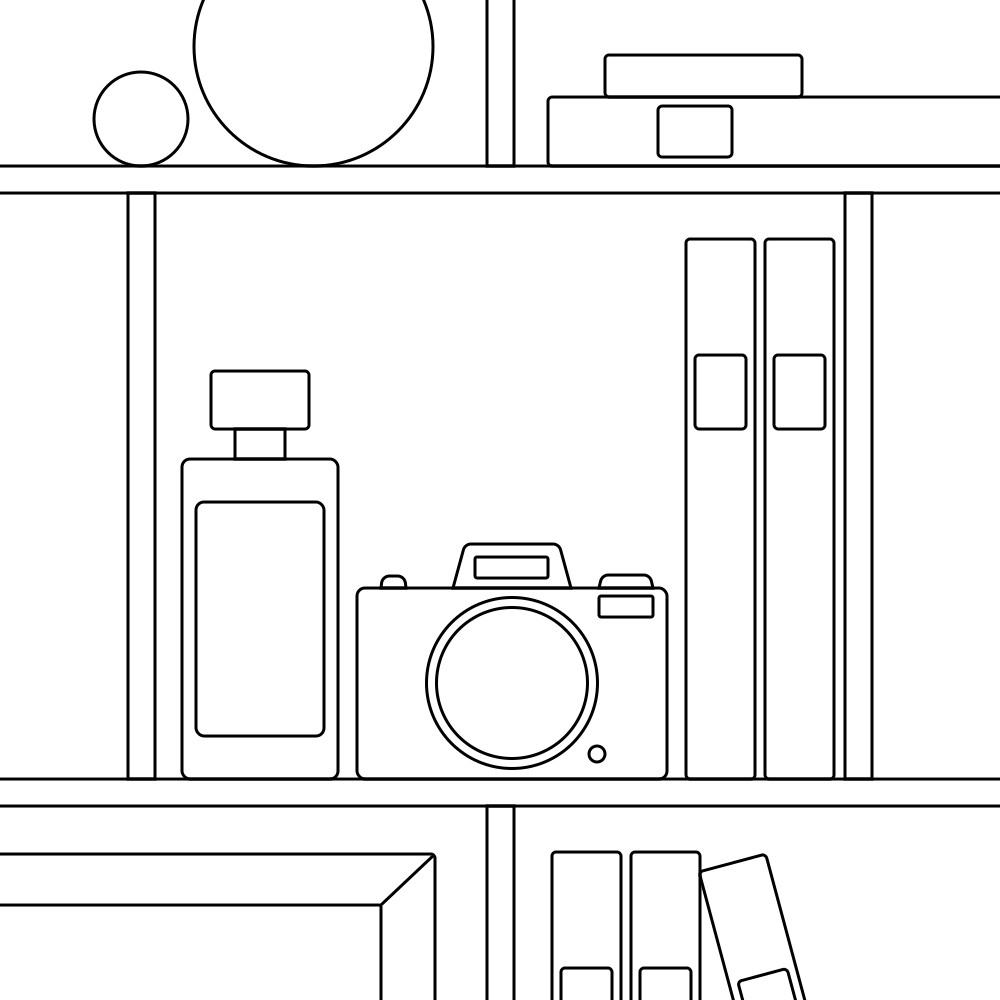
Photograph a product properly once — every angle, in even light. That set becomes the reference every later image is built from: new scenes, new lighting, motion, and the ads that carry them. The product stays itself, because the model works from your photographs of it rather than from a description of it.
How it works
Four steps, one shoot
01
Shoot the product once
Hero angle, detail, top-down, back. Even light, no styling decisions yet.
02
The set becomes a library
Every frame lives under the product it belongs to. That set is the reference bank.
03
Generate scenes from it
New surfaces, new light, motion. Saved props and backdrops drop in by name.
04
Ship the whole ad set
Every placement, cropped to safe areas, copy written against the brand.
Inside the tool
Six surfaces, one library underneath
Good morning, Emil
What do you want to create today?
A product render →
Turn a reference shot into a new scene, light, or angle.
A campaign →
Brief the agent — crops, copy, and a full ad set ready to push live.
An ad set →
Build one by hand from a render, an upload, or a blank canvas.
The first screen after you sign in.
The library
Shoot once, keep the shoot
Every frame from a session lives under the product it belongs to — the hero angle, the detail, the top-down, the back. That set is the reference bank, and everything else here is built out of it. You are not paying for a shoot per campaign any more.
Fidelity
The product stays itself
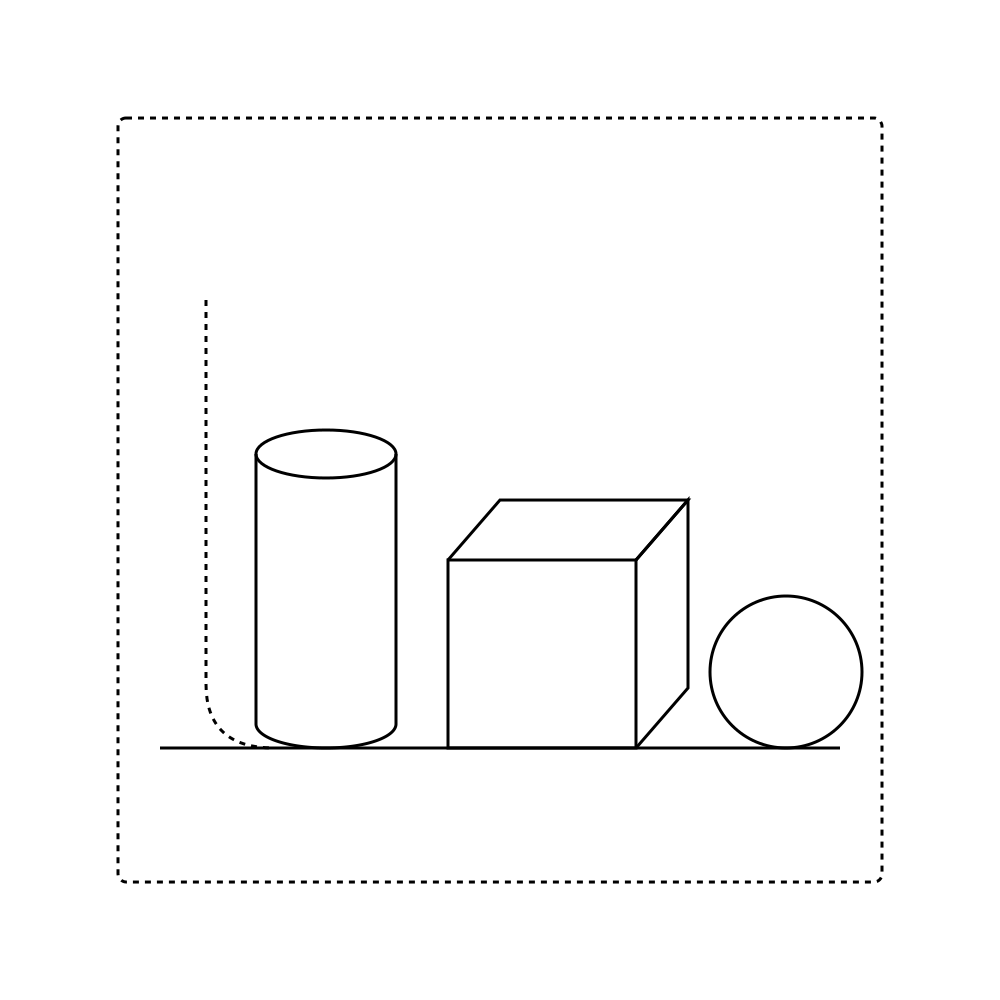
Every render is reconstructed from your reference frames, not imagined from a prompt. Label type, seams, proportions — the details that give a fake away — come straight from the shoot.
Proprietary and unreleased products. The model only ever sees your library — shoot the launch in-house and keep it there until the campaign goes out.
What you shot
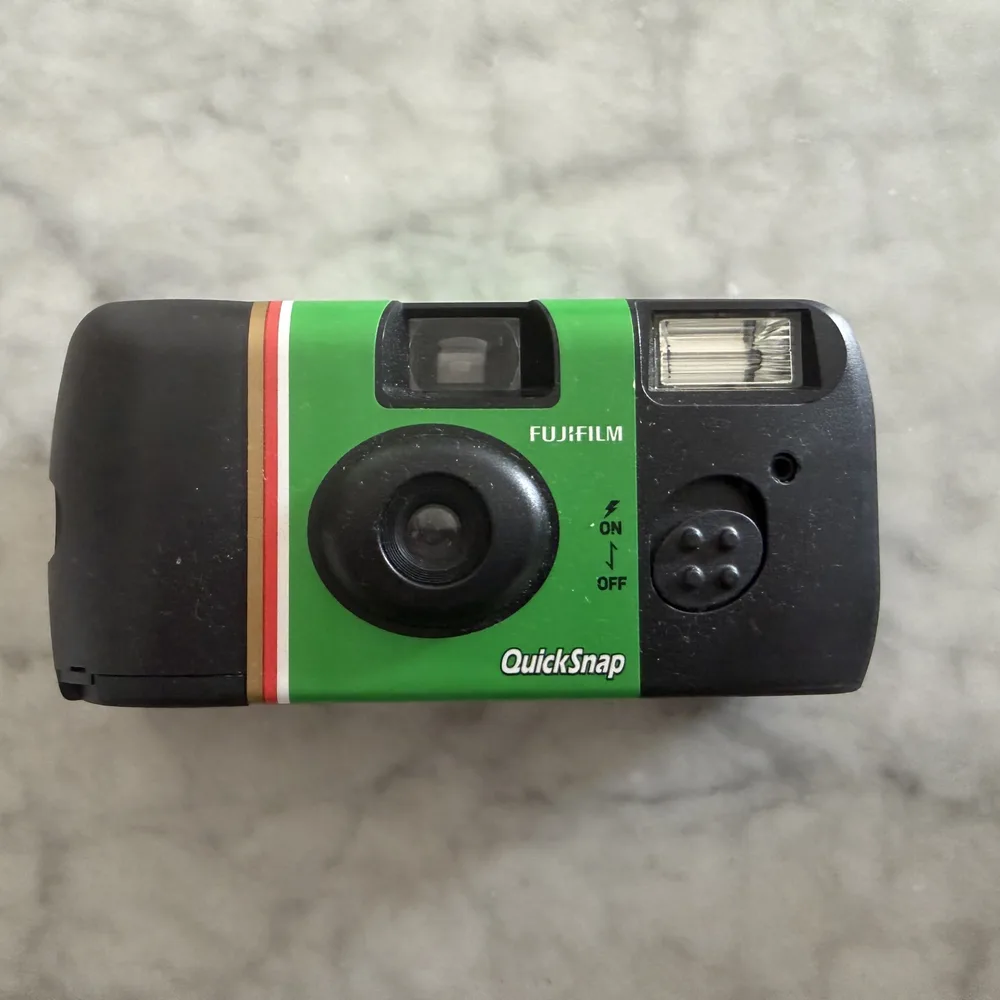
One frame from the shoot. Flat light, no styling.
From a description
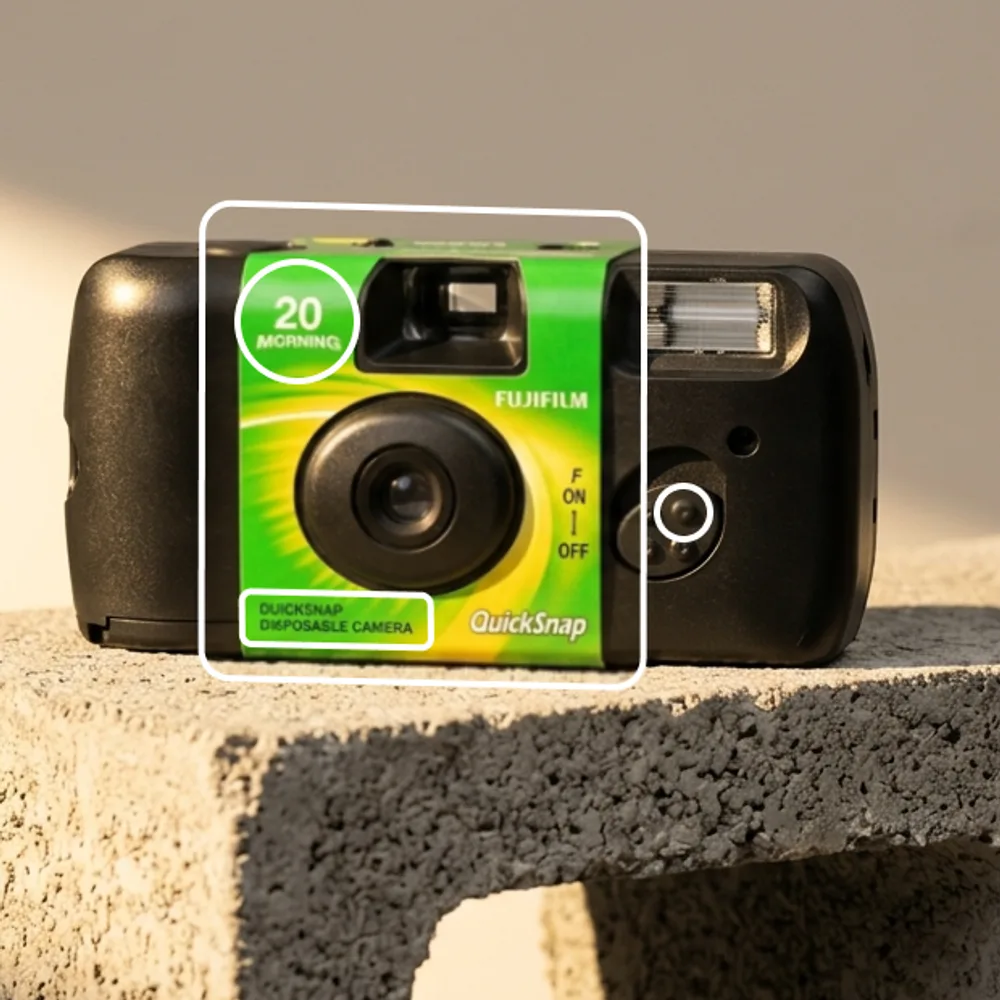
Approximate. The shape drifts, the label rewrites itself.
From your frames
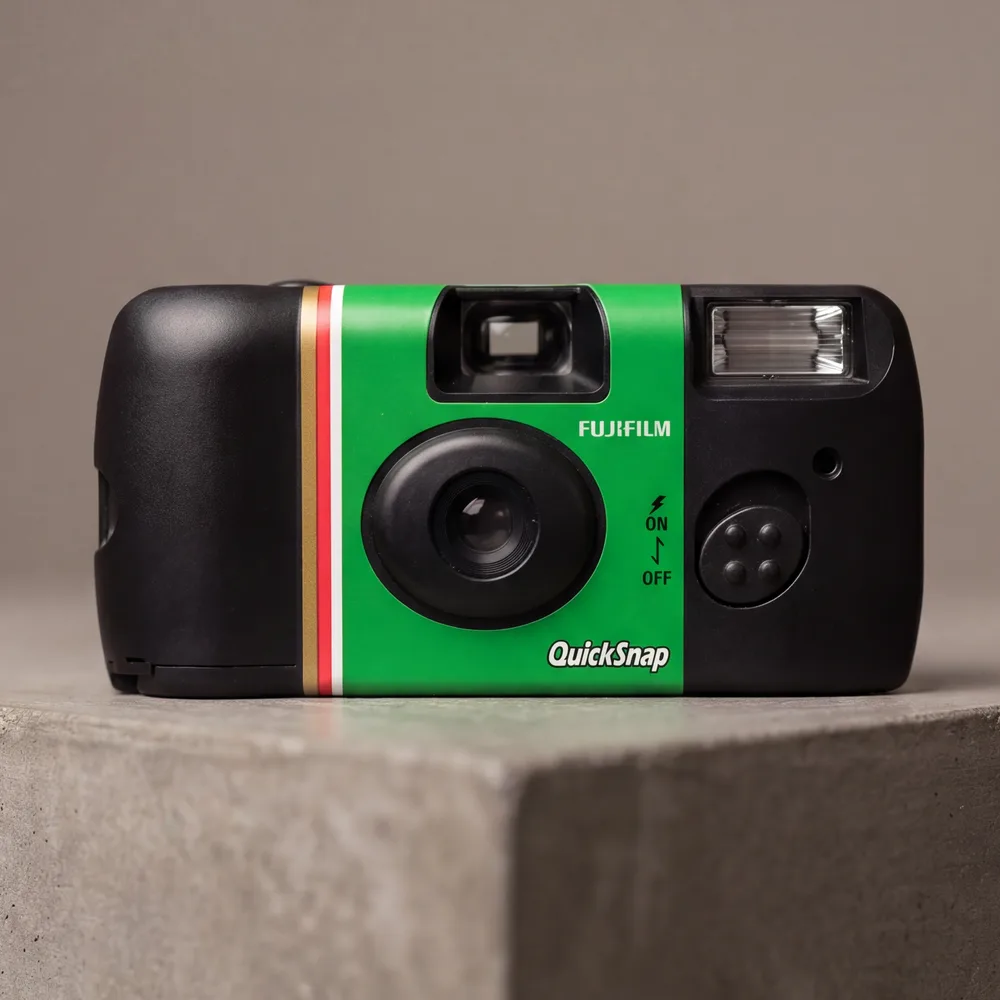
Exact. Same product, same label, new scene.
Ad set · 5 of 12 placements
Meta · Feed square
Meta · Feed portrait
Meta · Stories
Click any placement to set its crop, layers, and copy.
Download ad set ↓
Ad agent
A render becomes a whole ad set
One finished shot, and the agent lays out every placement a campaign needs — each with its own crop, safe area and typography. Copy is written against the brand, then exported or pushed live to Meta and Google. Upload an ad that already worked and it builds variations of it, keeping your wording exactly as written.
Campaigns
Brief to live, in one place
01
Brief
Point the agent at a render and a goal.
02
Ad set
Every placement, cropped and written.
03
Approve
The client signs off — or marks a change.
04
Push live
Straight to Meta or Google.
05
Monitor
The planner shows what is running.
06
Refresh
Flags the ones live long enough to tire.
Built from what the work already knows — accurate the first time you open it.
Subjects
The props you shoot around, saved. Drop one into any prompt by name and it comes back the same way each time.
Brand
Tone of voice, colours, logos, fonts — written down once, applied to everything the agent makes.
Planner & Feed
What is running and what needs you. Profiles laid out as a wall, in the order someone will scroll them.
Working with a studio? Clients get their own portal.
Their products, their brand, their ads, and nothing belonging to anyone else. They can browse the library, generate from it, and approve what goes live — without a round of emails for every crop.
Shoot once.
Then stop shooting.
If a studio has set you up, sign in with the address they invited. Otherwise start a studio of your own — you will get an email link, and nothing to install.